GSA Advantage Photo Processing Updates for MAS Contractors
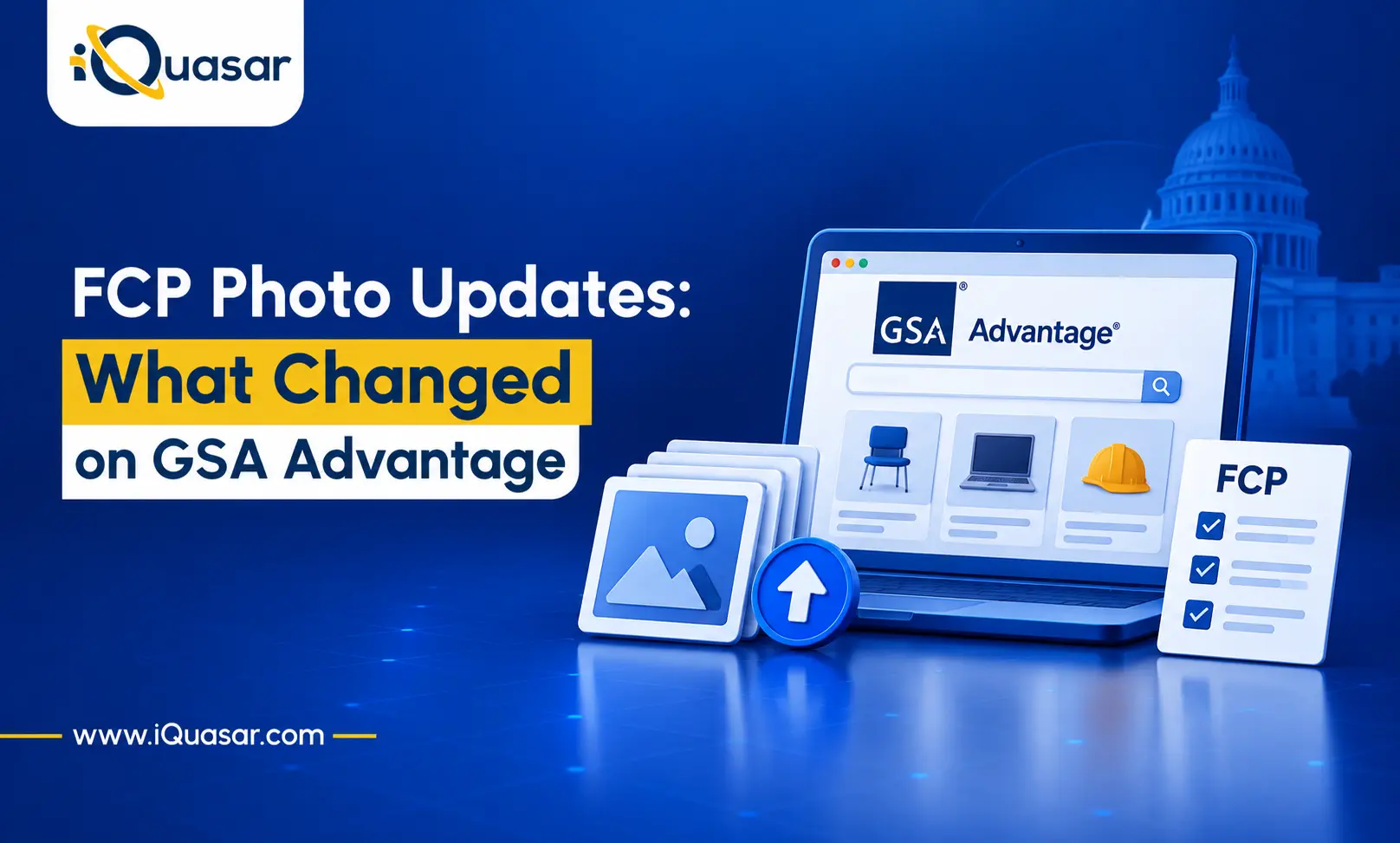
GSA has introduced several enhancements to photo processing in the FAS Catalog Platform (FCP), effective June 30, 2026.
Photos play an important role in the customer shopping experience on GSA Advantage. With thousands of products available, clear and accurate product images can help customers better understand what they are purchasing.
The latest FCP updates provide vendors with better visibility into photo processing, larger file size limits, and improved access to photo action history.
What’s New?
Enhanced Photo Submission Reports
FCP now provides a more detailed photo processing report for each photo action. This replaces the limited status information previously available in the Advantage photo report. The enhanced report helps vendors identify and resolve photo processing issues more quickly.
The report will:
- Indicate whether all, some, or none of the submitted photos were processed successfully.
- Provide specific error messages for photos that failed processing.
- Provide a separate report for each .ZIP file uploaded when an action contains multiple files.
- Instruct vendors to start a new photo action to resubmit photos that failed processing.
Important: Photos receive one error type at a time. Resolving one error may reveal additional errors during a subsequent upload. Vendors should therefore review all photo requirements carefully before resubmitting files.
Photo Action History
FCP now includes a “View Photo File History” link in the Latest Catalog Data section of the Catalog Overview page.
Similar to the existing catalog file history for Product and Services Plus Files, the Photo File History allows vendors to review previous photo actions, associated files, and processing results.
The history provides a summary of:
- Total photos submitted
- Photos processed successfully
- Photos that were not processed successfully
This gives vendors an easier way to track previous photo submissions and identify unsuccessful uploads.
Larger File Size Limits
FCP has also increased its photo file size limits, reducing the need for vendors to compress images or split large uploads.
| File Type | Previous Limit | New Limit |
|---|---|---|
| Individual Photo | 1 MB | 10 MB |
| .ZIP File | 600 MB | 2 GB |
Additional requirements apply to ZIP uploads:
- Each ZIP file must contain at least one image and no more than 100,000 images.
- Multiple ZIP files can be uploaded in a single photo action.
- ZIP file names must be fewer than 80 characters.
- ZIP file names may contain only letters, numbers, and underscores.
Note: GSA Advantage does not currently display high-resolution images at their original resolution. Images may be automatically compressed before being published.
Photo Requirements That Remain the Same
While FCP has introduced several improvements, the existing photo requirements remain in place.
File Name
Photo file names must:
- Be fewer than 80 characters.
- Contain only letters, numbers, and underscores.
- Exactly match the Photo File Reference listed in the approved Product File.
File Format
Accepted formats are:
.JPEG.JPG- Non-animated
.GIF
Resolution
Photos must have a minimum resolution of 500 x 500 pixels. There is currently no specified maximum resolution.
Photo Content
Photos must accurately represent the product being offered.
Vendors should not use:
- Company logos as product photos
- Images of different products
- Images of different product models
Best Practices for Product Photos
GSA recommends several practices to help vendors provide useful product images.
Provide Multiple Views
Use multiple product-specific photos to show different angles and provide customers with a better understanding of the product. Where applicable, include images of both the base product and accessories.
Include Photos for Options
When products have multiple options or configurations, vendors should use appropriate base and accessory photos to represent the available configurations. The product description should explain the available options.
Maintain Image Quality
Photos should be:
- Clear
- Well lit
- High quality
- Easy to view
Properly Frame the Product
The full product should be visible and should occupy up to approximately 80% of the image area.
How GSA Advantage Displays Images
GSA Advantage automatically creates thumbnails and resizes submitted photos to fit its standard display dimensions.
Images may be resized to:
- 200 x 200 pixels for search results
- 40 x 40 pixels for thumbnails on the product details page
- 500 x 500 pixels for large display mode on the product details page
GSA Advantage may also add white space around an image to make it square and provide a consistent viewing experience.
Important Requirement for Publishing Photos
Successfully processing a photo file does not automatically mean that the photo will appear on GSA Advantage.
The exact photo file name must be listed in the Photo File Reference field of an approved Product File.
If a vendor needs to update the photo file names listed in its Product File, the vendor must:
- Open a Product Descriptive modification in eMod.
- Submit a Change Products action in FCP with an updated Product File that references the new photo file names.
Vendors should therefore ensure that photo file names and Photo File References match exactly.
Do Your SINs Require Photos?
Certain MAS SINs require vendors to provide photos for each product listed. Vendors should verify the requirements applicable to their specific SINs using the Schedules SIN-MOL-Photo-UPC lookup table. The FCP Photos FAQ also provides additional information on photo requirements and the photo submission process.
Key Takeaway for MAS Contractors
The June 30, 2026, FCP update gives MAS contractors greater visibility into photo processing and more flexibility when uploading large numbers of product images.
The most important changes are:
- More detailed photo processing reports
- Photo action history in FCP
- Individual photo limit increased from 1 MB to 10 MB
- ZIP file limit increased from 600 MB to 2 GB
- Support for multiple ZIP files in a single action
At the same time, vendors must continue to follow the existing requirements for file names, formats, resolution, photo content, and Product File references.
For MAS contractors selling products through GSA Advantage, keeping product photos accurate, properly formatted, and correctly referenced in the Product File is essential for successful publication.
Also Read: 8 Proposal Mistakes That Could Cost You the Contract
These FCP updates give MAS contractors better tools to manage catalog presentation more efficiently and at higher quality. Contractors who use the new submission reports, expanded file size capacity, and automatic thumbnail generation will maintain stronger, more consistent catalogs with less manual effort.
For MAS contractors who need support managing their GSA Advantage catalog, updating product images, or navigating FCP requirements, iQuasar’s GSA MAS services team provides hands-on MAS contract management and catalog support. Contact us today to keep your catalog accurate, compliant, and buyer-ready.