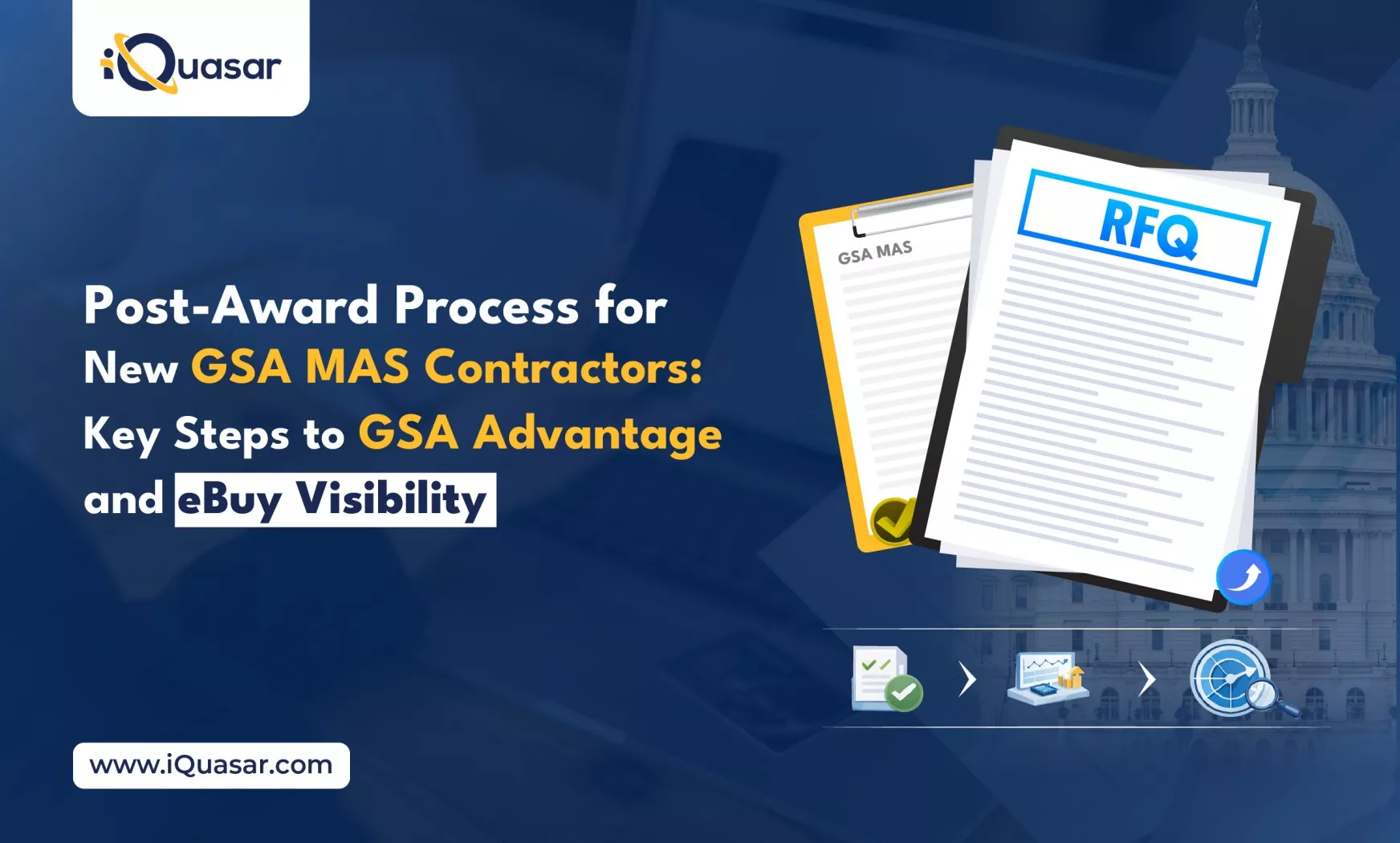
For any business that has recently won a GSA MAS (Multiple Award Schedule) contract, the post-award process is essential to ensure visibility to federal buyers. After the award, the contractor must complete a series of key actions to gain access to procurement opportunities on platforms like GSA Advantage and eBuy. These steps ensure that your products and services are searchable and purchasable by federal agencies, thus unlocking a range of contracting opportunities.
In this blog, we will walk you through the necessary steps to complete the post-award process and achieve full visibility on these platforms.
1. Accepting the OLM SIN
The OLM SIN (Other Direct Costs) is a critical component of the post-award process for GSA MAS contractors. It allows contractors to list offerings that do not fit into the traditional GSA MAS categories, such as services, products, or supplies not covered under the standard SINs.
What is the OLM SIN?
The OLM SIN provides a framework to include non-standard or miscellaneous direct costs under your GSA MAS contract. This ensures that all your offerings, even those outside the standard catalog, are properly accounted for and made visible to federal buyers.
How to Accept the OLM SIN
To accept the OLM SIN, follow these steps:
- Access your GSA MAS contract administration interface
- Locate the OLM SIN entry and select “Accept.”
- Save your changes and, if needed, reach out to the GSA Vendor Support Center (VSC) for assistance
Why It’s Essential
Accepting the OLM SIN ensures that all of your offerings, even those that fall outside traditional product or service categories, are included in the federal procurement process. Without this step, some of your offerings may not be properly cataloged or discoverable by federal buyers.
2. Registering on the VSC
The Vendor Support Center (VSC) is an essential portal for contractors to manage their GSA MAS contracts. It enables you to track orders, submit invoices, and update pricing information.
Why VSC Registration Matters
Registering on the VSC creates the central hub for managing all aspects of your GSA contract. This includes invoice submissions, order tracking, and pricing adjustments.
Steps to Register
- Visit the GSA Vendor Support Center portal
- Create an account or log in to your existing account
- Link your awarded MAS contract to your VSC profile
- Assign roles to your team members for administrative tasks
Timeliness
Complete your VSC registration promptly after the award to avoid delays in submitting invoices, managing orders, and updating pricing.
3. Updating the Seller Profile on FCP Portal
The Seller Profile is your company’s public-facing information on GSA systems. It includes essential details that federal buyers need to evaluate your offerings.
Ensure your profile includes:
- Company Name
- Company Address
- POC details, including name, email, and phone number.
4. Catalog/Pricelist Upload (Services Plus File or Product File)
Uploading your catalog is the next critical step to ensure your offerings appear on GSA Advantage and eBuy.
What is the Catalog Upload?
Contractors can upload either a Services Plus catalog (for services) or a Product File catalog (for goods) based on the nature of their offerings.
Services Plus vs. Product File
- Services Plus: Used for services, labor categories, and performance details
- Product File: Used for physical goods and includes SKUs, unit prices, and packaging details
5. GSA Review and Approval
Once you’ve uploaded your Pricelist (Service File or Product File) and updated your profile, GSA will begin the review process.
How the Review Works
GSA will review:
- Your catalog data for consistency and completeness
- Profile accuracy and alignment with your contract scope
- Pricing and product attributes
Typical Timelines
Review duration can vary, but it typically takes a few weeks for GSA to process and approve your submissions. Prompt responses to any GSA inquiries can help expedite this process.
Why Review Matters
Approval from GSA is the final step before your offerings go live on GSA Advantage and eBuy. Any discrepancies in your submission could delay this process.
Reference:
6. Visibility on GSA Advantage/eBuy
After GSA’s review and approval, your offerings will become visible to federal buyers on GSA Advantage (for product offerings) and eBuy (for service contracts).
How Visibility Works
- GSA Advantage: Your product catalog will be visible to buyers searching for GSA-approved products
- eBuy: Services and related offerings will be visible to buyers for bidding on service opportunities
Expected Timeline
After approval, it typically takes a few hours for your catalog to appear on these platforms.
Also Read: Understanding Transactional Data Reporting and Its Impact on GSA MAS Contractors
Completing the Post-Award Process for GSA MAS Contractors
To sum up, the Post-Award Process for GSA MAS Contractors is a series of crucial steps that include accepting the OLM SIN, registering on the VSC, updating your Seller Profile, uploading your catalog, and awaiting GSA’s review and approval. These steps ensure that your offerings are visible on GSA Advantage and eBuy, making it easier for federal buyers to find and procure your products and services.
Key Steps Recap:
- Accept the OLM SIN to ensure all offerings are included
- Register and configure your VSC account for contract management
- Update your Seller Profile with the necessary details
- Upload your catalog correctly to increase visibility
- Await GSA review and approval for your offerings to go live
Completing these tasks efficiently sets the foundation for success in federal contracting. The quicker and more accurately you complete these steps, the sooner federal buyers will find and procure from you.
If you’re navigating the post-award process for your GSA MAS contract and need assistance, iQuasar’s team can help you streamline these steps and accelerate your visibility on GSA Advantage and eBuy. Contact us today to learn how our GSA Multiple Award Schedule can optimize your government procurement process.